Introduction
The Nintendo Switch OLED is revered for its vibrant display and enhanced features, making it a true delight for gamers. However, to fully tap into the immersive gaming experience, a compatible wireless controller is crucial. With several choices available, picking the right controller tailored to your gaming style can significantly elevate your gameplay. This guide provides you with detailed insights into wireless controllers for your Nintendo Switch OLED.
Why Choose a Wireless Controller for Nintendo Switch OLED?
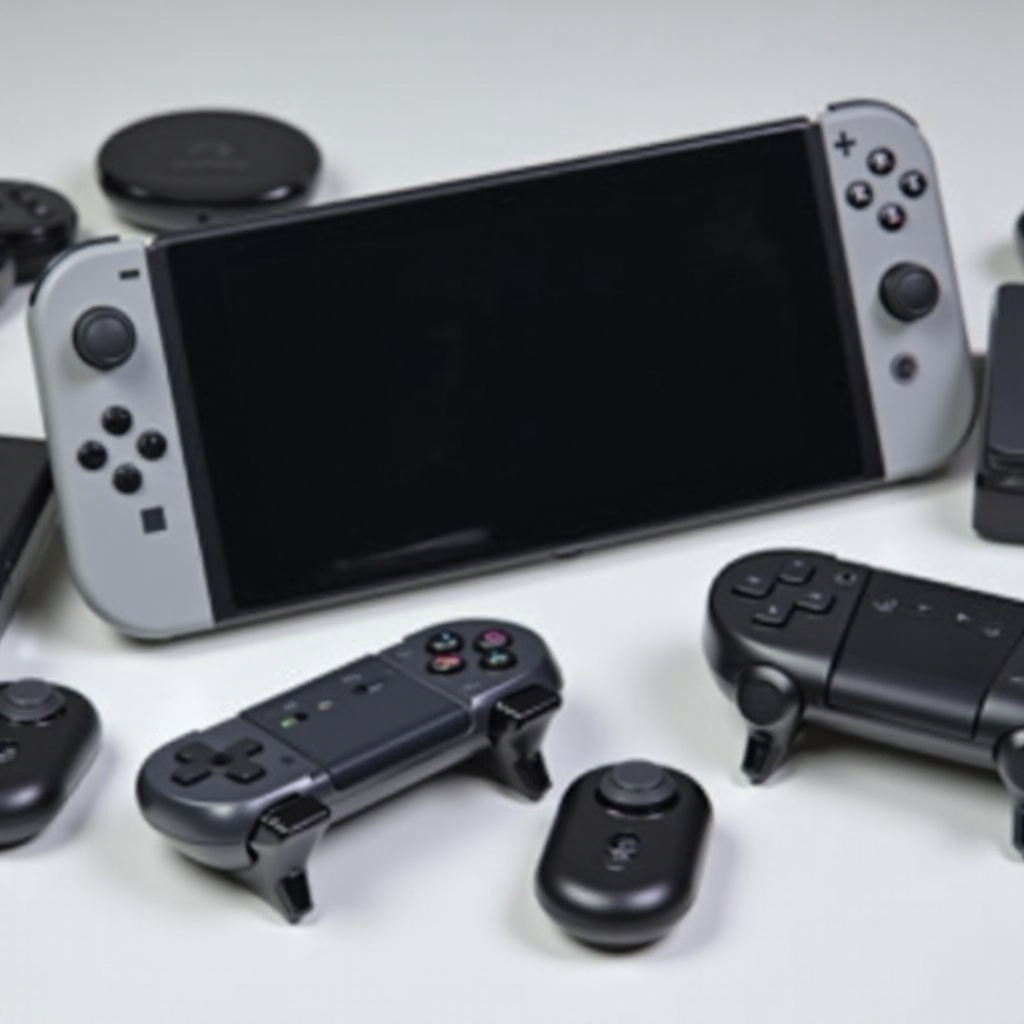
Wireless controllers offer unparalleled flexibility, freeing gamers from the constraints of cords and enhancing gameplay with the OLED’s portability.
Key Benefits of Wireless Controllers
- Freedom of Movement: Say goodbye to the limitations of wired gaming. Engage in seamless play across any space without the hassle of cables.
- Portability: Game comfortably in any environment, be it your living room or while traveling, without worrying about cable length.
- Aesthetics and Design: Many wireless controllers boast stunning designs that can complement and elevate your gaming setup.
Enhancements with OLED Display
The OLED’s vibrant colors and crisp contrasts call for a responsive controller, ensuring an immersive experience. A wireless controller that synchronizes perfectly with these visual enhancements will elevate your gaming sessions, providing both control and aesthetic satisfaction.
Top Features to Consider in Wireless Controllers
Selecting a wireless controller involves understanding essential features that could enhance your gaming interactions with the Nintendo Switch OLED.
Battery Life and Charging Options
Long battery life is essential for uninterrupted play. Opt for controllers with rechargeable batteries, preferring USB-C connections for faster and consistent charging aligned with Switch standards.
Ergonomics and Comfort
During prolonged gaming, comfort is vital. Look for ergonomic designs with textured grips and conveniently placed buttons to reduce strain.
Connectivity and Compatibility
Bluetooth connectivity is a must for seamless gameplay, ensuring your controller pairs easily and maintains stable connections.
The Best Wireless Controllers for Nintendo Switch OLED in 2024
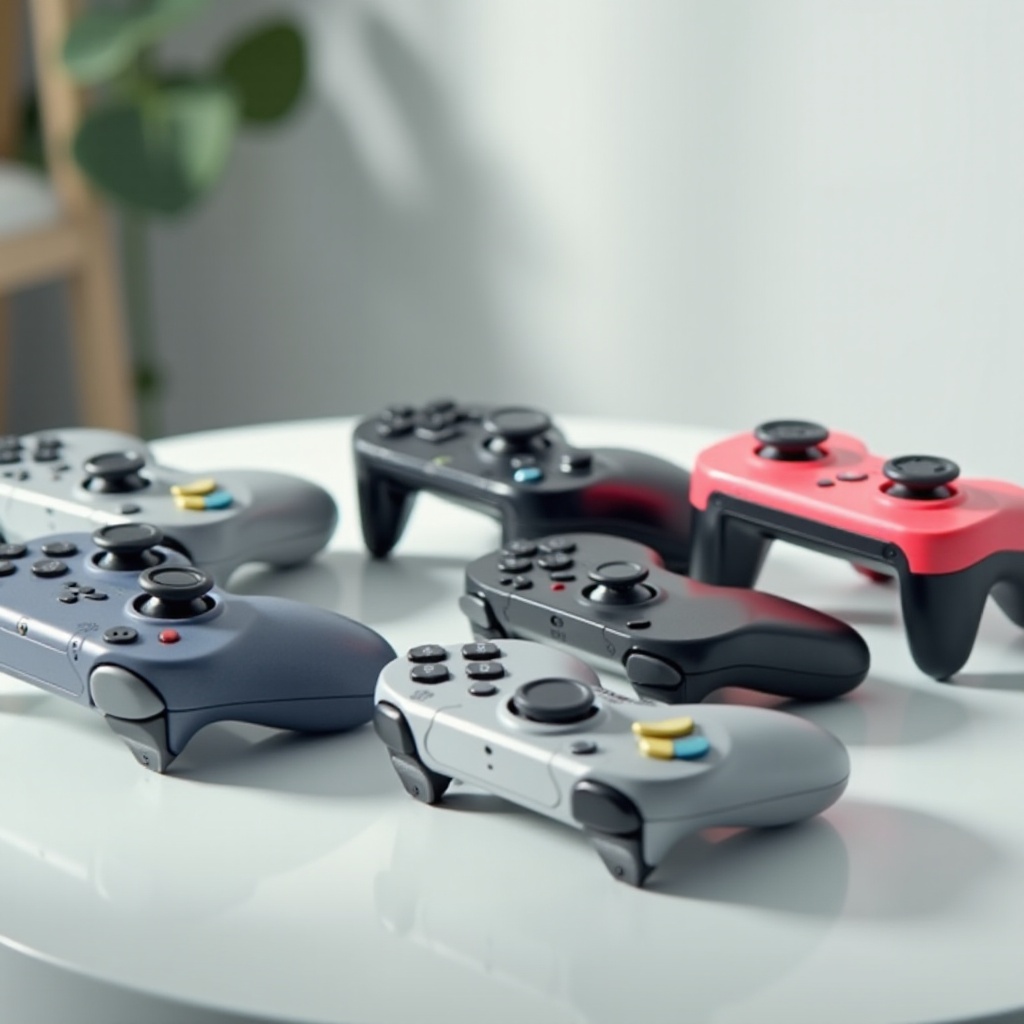
Explore top controllers that stand out for the Nintendo Switch OLED, each offering unique features that appeal to varied gaming preferences.
Nintendo Switch Pro Controller
This classic choice is renowned for its solid build and exceptional performance. Enjoy responsive analog sticks and motion controls, providing seamless integration with Switch games and a long battery life for extended gaming.
8Bitdo Ultimate Bluetooth Controller
A versatile option for those who love customization. It allows button remapping, fitting every gaming need. Its compact design is ideal for gamers on the move.
PowerA Advantage Wireless Controller
Perfect for budget-conscious gamers, the PowerA Advantage doesn’t compromise on essential features like motion controls and mappable buttons. It’s durable, offering reliable performance across a wide array of games.
How to Connect and Configure Your Wireless Controller
Setting up your wireless controller is straightforward, ensuring minimal hassle during gameplay.
- Turn on your Nintendo Switch OLED.
- Access the ‘Controllers’ menu from the home screen.
- Select ‘Change Grip/Order.
- Press and hold the pairing button on your controller until it enters pairing mode.
- Your Switch will detect the controller and complete pairing.
Overcoming Common Connectivity Issues
- Ensure Your Controller is Charged: A low battery can cause intermittent connectivity issues.
- Reboot Your Switch: A simple restart can often resolve pairing issues.
- Update System Software: Ensure your Nintendo Switch OLED has the latest updates to maintain compatibility.
User Reviews and Experiences
User reviews provide practical insights into the performance and functionality of wireless controllers. The Nintendo Switch Pro Controller frequently receives accolades for its durability and user-friendly layout. The 8Bitdo Ultimate stands out for its customization options, while the PowerA Advantage is praised for its affordable yet capable nature.
Positive Feedback and Highlights
- Sturdy Build: Many endorse these controllers for their robust design, catering to an extensive range of gaming needs.
- Responsive Controls: Users consistently applaud the quick responses, vital for fast-paced gaming.
Common Criticisms and Concerns
- Connection Drops: Occasional connectivity drops may occur, typically resolved by routine troubleshooting steps.
- Battery Life Variability: While many users are satisfied, some suggest improvements for extended gaming sessions.
Conclusion
Choosing the right wireless controller is critical for maximizing your Nintendo Switch OLED experience. Whether your priority is comfort, features, or affordability, understanding what suits your needs ensures an informed decision, significantly boosting your gaming enjoyment.
Frequently Asked Questions
How long does the battery last on most wireless controllers for the Nintendo Switch OLED?
Most quality controllers last between 20 to 40 hours on a single charge, depending on usage and features.
Can I use a wireless controller for other devices besides the Nintendo Switch OLED?
Yes, many wireless controllers are versatile and can be used with PCs, smartphones, and other consoles with Bluetooth connectivity.
What should I do if my wireless controller is not connecting to my Nintendo Switch OLED?
Ensure the controller is charged, re-enter pairing mode, and restart the console if problems persist.