Introduction
Choosing the right motherboard and CPU combination is crucial to enhancing your computer’s performance. Whether you’re gaming, creating content, or need a reliable setup for daily tasks, a well-matched combo ensures the best functionality. This guide delves into the most efficient pairings for 2024, enabling you to make informed decisions for your build.
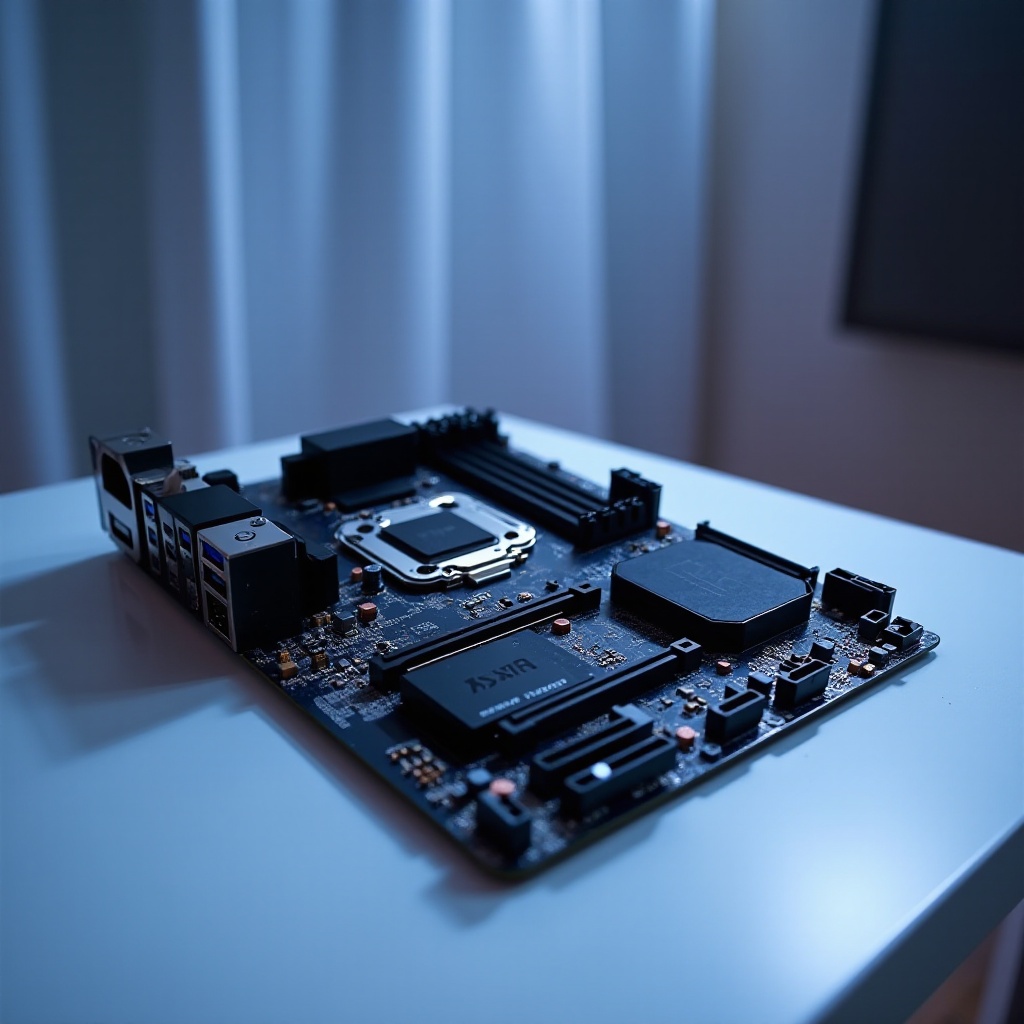
Understanding Motherboard and CPU Compatibility
Compatibility between your motherboard and CPU is vital for a smooth build and effective performance. A mismatched setup can lead to bottlenecks, reducing speed and efficiency.
-
Socket Compatibility: Ensure that both the CPU and motherboard share the same socket type for seamless installation. Current common sockets include LGA 1700 for Intel processors and AM5 for AMD processors.
-
Chipset Matching: The chipset on a motherboard dictates which CPUs it can support. Higher-end chipsets often come with more features, though generally at a higher cost.
-
BIOS Updates: Occasionally, a BIOS update may be necessary for newer CPUs to function properly on older motherboards.
Understanding these foundational aspects will help as we explore various setups tailored to different needs.
Top Motherboard and CPU Combinations for Gaming
Gaming places high demands on both processing power and graphics. Whether it’s for competitive play or enjoying immersive virtual worlds, having the right configuration is essential for an uninterrupted experience.
- High-End Gaming Builds:
- Intel Core i9 with ASUS ROG Maximus Z690: This combo offers superior performance with robust overclocking capabilities, ideal for pushing limits in demanding games.
-
AMD Ryzen 9 with MSI MPG X670E: Known for excellent multitasking, this pairing ensures smooth gameplay, even with multiple applications running.
-
Mid-Range Gaming Builds:
- Intel Core i5 with Gigabyte B760M: A perfect mix of performance and affordability, this setup handles most games in high settings effortlessly.
- AMD Ryzen 5 with ASRock B550 Pro4: A budget-friendly favorite among gamers, offering solid performance without high costs.
These combinations not only cater to high-performance needs but also set the stage for content creators who rely on efficiency and power.
Optimal Combinations for Content Creators
Content creators require setups that can handle demanding tasks such as video editing, 3D rendering, and graphic design. The right configuration can greatly enhance productivity and streamline workflows.
- Video Editing and Rendering:
-
AMD Threadripper Pro with ASUS Pro WS WRX80E-SAGE: This pairing excels in multi-threaded tasks, providing exceptional power for professional video editing and rendering.
-
Graphic Design and Animation:
- Intel Core i7 with ASUS ProArt Z690-Creator: Built for creatives, this combination offers outstanding computational power and reliability.
With these setups, creatives can achieve more in less time. However, not everyone has the budget for high-end setups, leading us to explore more affordable options.
Budget-Friendly Motherboard and CPU Pairings
Operating on a budget doesn’t mean sacrificing performance. Great cost-effective combinations exist that provide excellent functionality for everyday use and entry-level gaming.
- Budget Gaming:
-
AMD Ryzen 3 with MSI A520M-A PRO: An affordable duo that provides sufficient power for light gaming and general tasks.
-
Everyday Use:
- Intel Pentium G6405 with ASUS Prime B560M-A: Ideal for all basic computing needs like browsing, document editing, and streaming.
These options offer practical solutions without heavy spending. Moving towards the future, ensuring compatibility and longevity is equally important.
Future-Proofing Your Build
Investing in components that are future-proof can significantly extend the life of your build, offering great value for your investment. Here are some points to consider:
- Expansion Slots: Choose motherboards with multiple PCIe slots to accommodate future graphics card upgrades.
- RAM Capacity: Opt for systems that allow large amounts of RAM to ensure you can upgrade your memory as needed.
- Next-Gen Support: Look for motherboards supporting DDR5 RAM and PCIe 5.0, which pave the way for future technological advancements.
By keeping these factors in mind, you can build a system that remains robust for years to come, meeting both current and future needs efficiently.
Conclusion
Making the right choice for your motherboard and CPU combination is about balancing performance, budget, and foresight. Whether your focus is on high-end gaming, intensive content creation, or cost-effective everyday use, picking the right setup ensures that your computer remains a powerful tool well into the future.
Frequently Asked Questions
What is the most important factor for compatibility between a motherboard and a CPU?
The most important factor is socket compatibility, which ensures that both the CPU and motherboard support the same type of socket.
Can I upgrade my CPU without changing the motherboard?
Yes, upgrading your CPU without changing the motherboard is possible as long as the new CPU is compatible with the motherboard’s socket and chipset, and any necessary BIOS updates are done.
Is it worth investing in the latest motherboard technology?
Investing in the latest motherboard technology is worth it for ensuring compatibility with upcoming components and extending the lifespan of your build, especially for users with demanding computing needs.