Amber Alerts are crucial for spreading urgent notifications about endangered individuals, especially children. These alerts are important, but there are valid reasons to turn them off on Samsung phones. Perhaps you’re seeking fewer interruptions or need more control over notifications. Understanding how to manage these alerts ensures you get the best phone experience.
Understanding Amber Alerts on Samsung Devices
Amber Alerts are sent to phones via the Wireless Emergency Alerts (WEA) system to inform the public about critical child abductions. On Samsung devices, these alerts are received even if your phone is on silent or vibrate mode, highlighting their importance. As a user, you should know how these alerts function on your device, enabling you to customize settings without compromising essential functions.
Knowing how Amber Alerts operate is the first step. Now, let’s explore a detailed guide to disabling these alerts if needed.
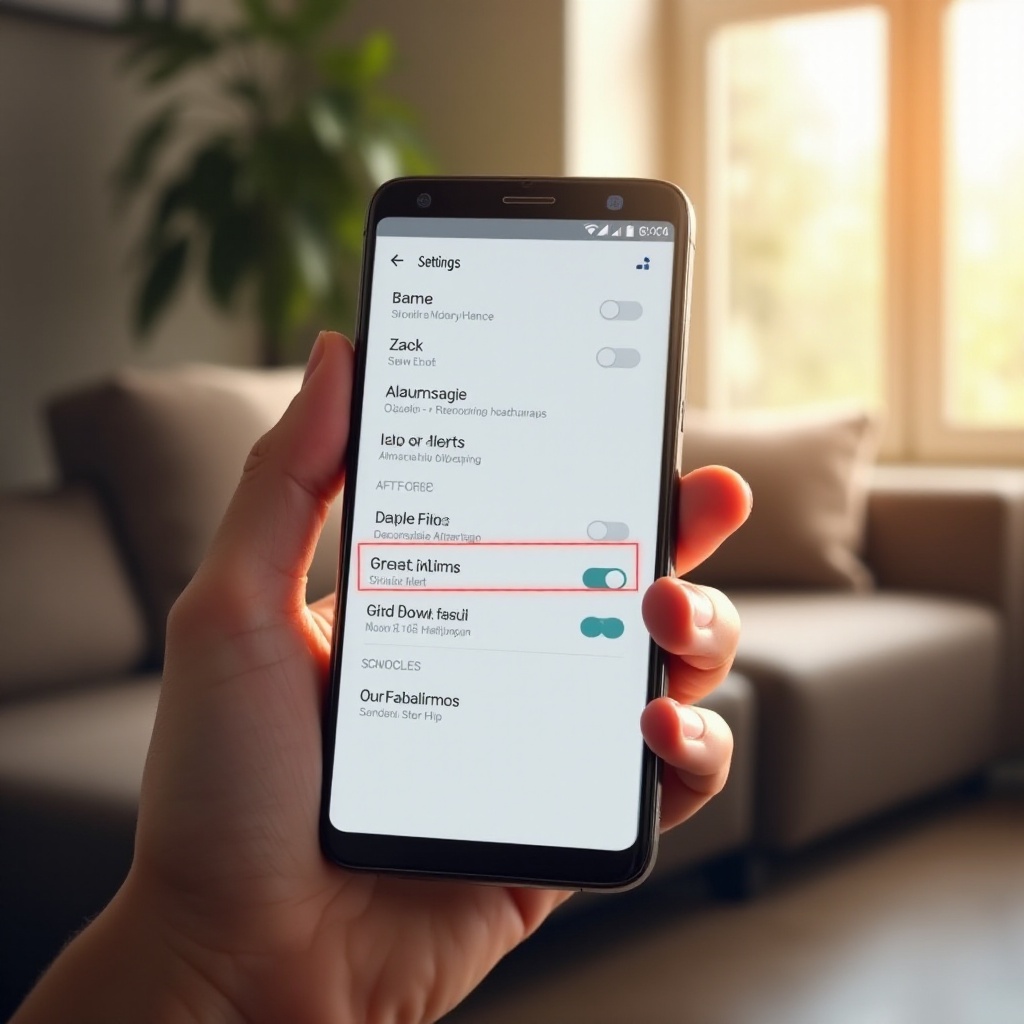
Step-by-Step Guide to Disable Amber Alerts
To disable Amber Alerts on your Samsung phone, follow these steps:
- Open the Settings App
- Tap the ‘Settings’ icon from your app drawer.
-
Alternatively, swipe down from the top of the screen and tap the gear icon in the quick settings.
-
Navigate to Notifications Settings
- Scroll to ‘Notifications.’ Tap to open it.
-
Here, you’ll manage all notification aspects.
-
Access Wireless Emergency Alerts
- In ‘Notifications,’ explore ‘Advanced Settings’ or ‘More Settings.
- Find ‘Wireless Emergency Alerts’ or ‘Emergency Alerts.
- Toggle off Amber Alerts to disable.
- Be cautious to ensure other vital alerts remain active unless specifically turned off.
If any issues arise from tweaking these settings, check out the troubleshooting section.
Troubleshooting Common Issues
Sometimes, adjusting alert settings can be tricky. If you encounter difficulties, these troubleshooting tips might help:
- Can’t Find Amber Alerts Settings?
-
Make sure your device software is the latest. Check for updates if needed, as settings layout may change with new versions.
-
Want to Re-enable Alerts?
- To receive Amber Alerts again, simply return to ‘Wireless Emergency Alerts’ and toggle Amber Alerts back on.
- Test your settings with other alerts to ensure they’re working correctly.
Once troubleshooting is complete, let’s move on to customizing how your device handles notifications.
Customizing Alert Settings for Better Management
Samsung provides flexibility in managing how alerts and notifications work on your phone. If you want to receive Amber Alerts with less disruption, here are customization options:
- Modify Alert Tones and Vibration Patterns
-
Go to general sound settings to change the alert’s tone or vibration style.
-
Set Quiet Hours
- Use ‘Do Not Disturb’ mode, setting specific hours to silence alerts yet not miss essential notifications.
Balancing these options allows essential alerts without disturbing your routine, enhancing phone use experience.
Pros and Cons of Turning Off Amber Alerts
When deciding to turn off Amber Alerts, consider the benefits and potential downsides:
- Advantages of Disabling Alerts
-
By disabling, you avoid interruptions if these alerts often occur in error or if they interfere with daily tasks. It suits those preferring minimal disruption.
-
Drawbacks and Considerations
- Turning off these alerts means you might miss critical updates. Evaluating your need for these alerts can help decide if features like quiet mode might suffice instead.
Understanding both perspectives enables you to control your device while staying informed and safe.
Conclusion
Disabling Amber Alerts on Samsung phones involves straightforward steps, helping you tailor the flow of information to your needs. Balancing alert management with safety ensures uninterrupted yet informed phone use.
Frequently Asked Questions
Can Amber Alerts be silenced temporarily?
Yes, utilize ‘Do Not Disturb’ settings to temporarily silence alerts.
How do I re-enable Amber Alerts after turning them off?
Return to the ‘Wireless Emergency Alerts’ section and toggle them back on.
Are there any legal issues with disabling Amber Alerts?
No, there are no legal penalties, but consider the safety benefits of keeping them active.