Introduction
Your laptop is an integral part of everyday life, but when it starts splitting open, you’re faced with a serious issue that demands attention. This not only threatens the device’s functionality but can also pose safety risks. Recognizing the causes and acting swiftly is crucial to protecting your investment. In this article, we’ll delve into why laptops split open, identify warning signs, and explore viable solutions and preventive measures.
Causes of Laptops Splitting Open
Laptops may split open due to several underlying issues, with swollen batteries and overheating being the chief culprits.
Swollen Batteries and Their Impact
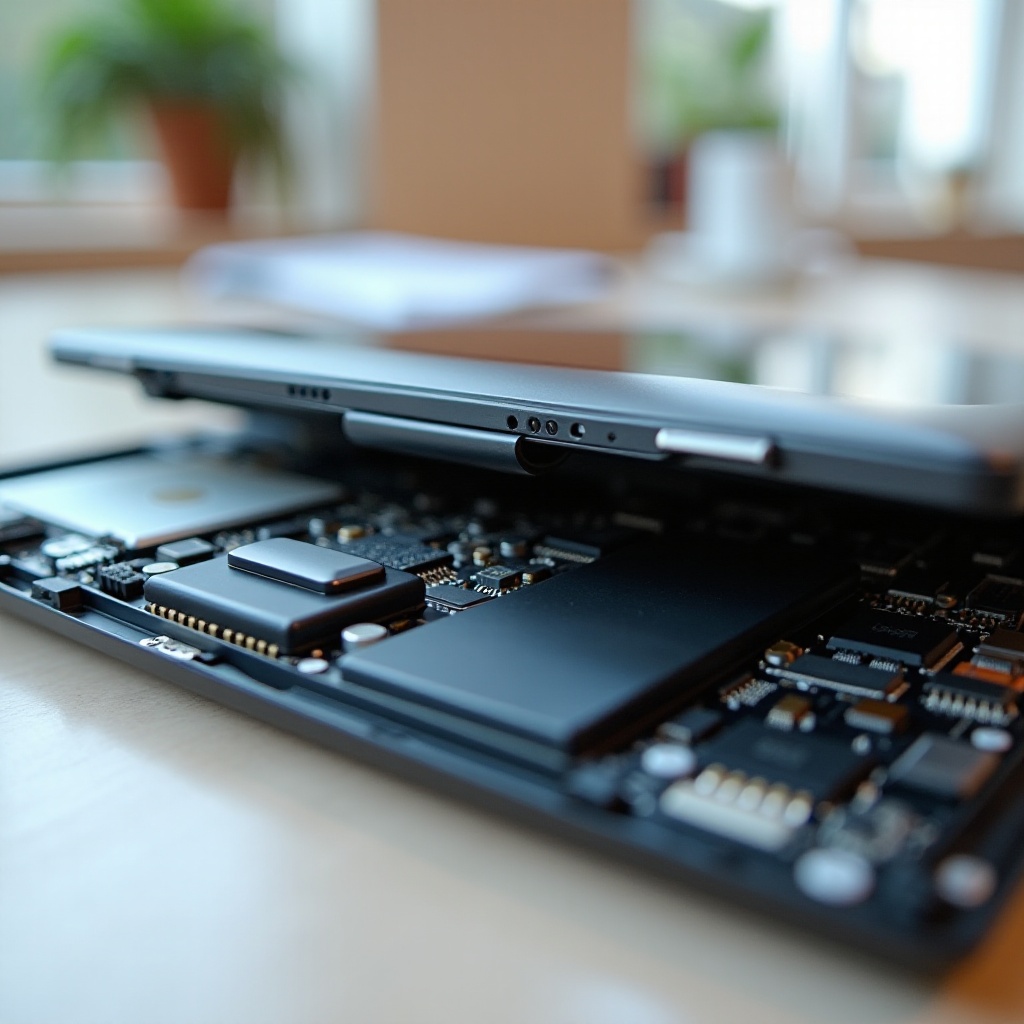
Swollen batteries frequently lead to laptops splitting open. Over time, or due to malfunction, batteries can swell, pushing against a laptop’s casing and causing structural problems. Regular checks on your battery’s health and temperature are essential to prevent this issue.
Overheating and Its Structural Consequences
Overheating is another common issue that can warp a laptop’s structure. Poor ventilation, blocked air vents, or extended use without breaks increase internal temperatures, potentially causing the casing to split. Ensuring your device remains well-ventilated is key.
Physical Damage Factors
Physical impacts, such as drops or applying constant pressure, can also weaken the laptop casing over time. While an immediate split may not occur, cumulative damage from rough handling can lead to structural failure. Proper care and mindful use are imperative.
Understanding these causes highlights potential risks, encouraging preventive measures that enhance laptop longevity and performance.
Warning Signs Your Laptop Might Be Splitting
Detecting warning signs early helps in directing timely repairs and safeguarding against further damage.
Visual and Physical Indicators
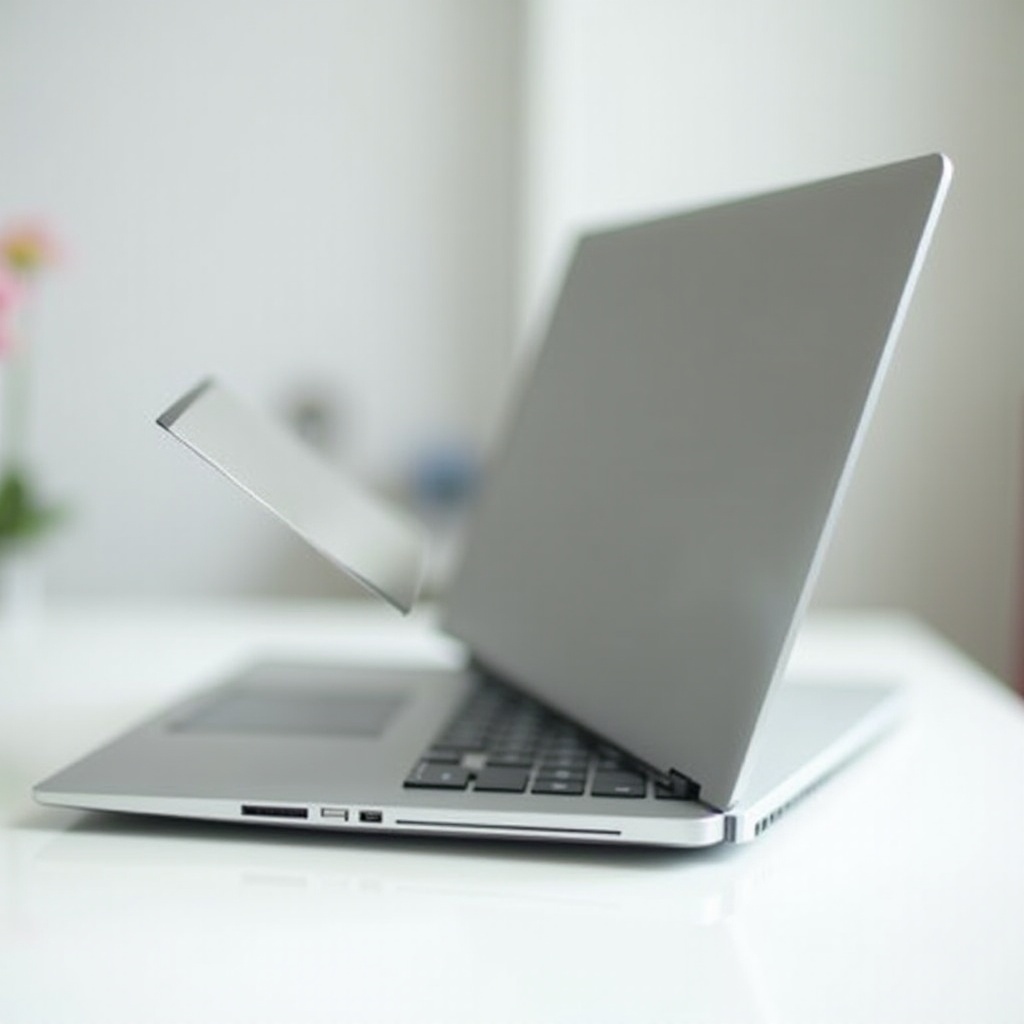
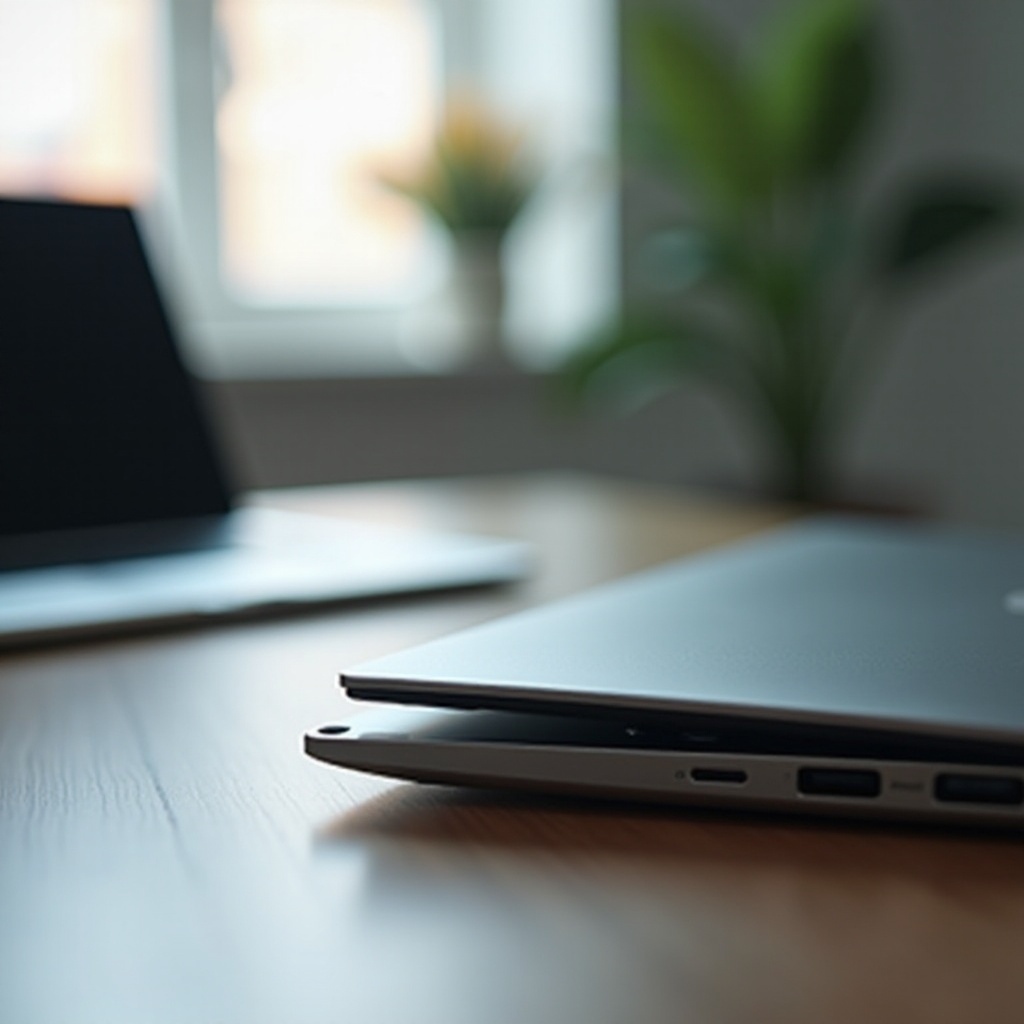
Keep an eye out for unusual bulges along the keyboard or screen, difficulties closing the case, or any visible gaps around your laptop’s edges. Such indicators suggest immediate action is necessary.
Performance and Efficiency Changes
Frequent overheating, sluggish performance, or rapid battery draining may also signal an impending structural issue. Monitoring these changes can help diagnose problems before they escalate.
By observing these warning signs, users can address issues proactively, ensuring prompt intervention to minimize damage.
Solutions and Preventive Measures
Upon noticing warning signs, quick and effective solutions are crucial to preventing further damage.
Safely Handling a Swollen Battery
- Turn Off the Laptop: In case of a swollen battery, immediately shut down the device to mitigate risks.
- Safe Removal: If you’re confident, carefully remove the battery, else seek professional assistance.
- Proper Disposal: Follow environmental guidelines to dispose of the battery responsibly.
Preventing Overheating
- Optimal Ventilation: Use the laptop on hard, flat surfaces to maintain clear airflow.
- Cooling Pads: Utilize cooling pads to manage temperature during heavy usage.
- Regular Cleaning: Keep air vents clean and dust-free to ensure optimal airflow.
Routine Maintenance and Care Tips
Regular internal cleaning and timely software updates prevent components from overheating and ensure smooth performance.
Implementing these solutions can significantly extend your laptop’s life, protect against costly repairs, and maintain safety.
When to Seek Professional Help
Sometimes, resolving issues might surpass personal expertise. Knowing when to consult professionals is crucial.
Recognizing Beyond DIY Repairs
Visible structural damage or uncertainty in handling internal components warrants professional intervention. Delaying professional help can worsen damage, leading to costlier repairs or replacements.
Finding Trustworthy Technicians
Select technicians with positive reviews and successful repair histories. Recommendations from others with similar devices can guide you to the right professionals.
Timely professional help ensures safe and effective handling of your laptop’s critical issues, safeguarding your investment.
Long-term Prevention Strategies
Employ long-term strategies to maintain your laptop’s performance and prevent potential risks from arising.
Regular Maintenance Practices
Scheduling routine check-ups and keeping software updated can prevent hardware and structural issues.
Quality Replacement Parts
When repairing, choose high-quality replacement parts. Inferior components can degrade quickly, causing issues to resurface.
By adopting these strategies, users can fortify their laptops against impending problems, ensuring reliability and durability over their lifespan.
Conclusion
A laptop splitting open is an alarming concern but one that can be effectively managed. By identifying causes and taking preventive actions, users can protect their devices and continue enjoying their functionality. Quick identification, effective repairs, and regular maintenance are keys to a long-lasting laptop. Remember, when issues grow beyond your control, professional help is always available to ensure your laptop remains a valuable tool in the digital realm.
Frequently Asked Questions
What should I do if my laptop starts to split open?
Immediately turn off the laptop and assess the cause. Remove swollen batteries if safe, and seek professional help.
How can I prevent my laptop from overheating?
Ensure proper ventilation, use cooling pads, and regularly clean vents. Avoid blocking airflow by using flat surfaces.
When is it necessary to replace a laptop instead of repairing it?
Consider replacement if repair costs exceed the laptop’s value or persistent issues indicate overall device decline.